Why Regular SAP Performance Testing is Crucial for Business Success

In the changing facets of the digital economy, organizations are dependent upon SAP systems to operate their critical business processes effectively. However, even the most advanced SAP platforms can face performance issues if not properly tested. According to a 2023 report by SAPinsider, nearly 60% of organizations encountered performance-related disruptions, resulting in revenue loss and operational inefficiencies.
Performance problems are predominantly driven by the burgeoning transactional workloads on the SAP workload, frequent application updates and enhancements, and an increasingly complex system environment. This makes regular SAP performance testing a necessity, as it ensures that your SAP system adequately supports the increasing transactional demands of your business without compromising speed or reliability. Without this vital step, organizations risk slow response times, reduced user productivity, and dissatisfied customers—all of which can lead to a serious competitive disadvantage.
What is SAP Performance Testing?
SAP performance testing involves evaluating the efficiency, speed, and stability of SAP systems under various conditions. By simulating real-world workloads, organizations can detect bottlenecks, slowdowns, or errors before they impact daily operations. The primary focus is to assess how well SAP systems perform during peak times, handling large volumes of transactions and data processing.
Testing GUI response time, system integration, and transaction speeds are essential for understanding how an SAP system will behave when fully operational. If neglected, poor performance can affect everything from customer satisfaction to supply chain management, leading to lost opportunities and damaged reputations. Furthermore, performance testing offers the opportunity to optimize SAP system configurations while ensuring that they can handle future growth and increased complexity in a controlled, cost-effective manner.
The Impact of Performance Issues on Business Operations
Performance issues in SAP systems can have far-reaching effects on business operations. For example, delays in order processing, slow user interfaces, and transaction errors all contribute to downtime. A study revealed that for every second of delay in SAP’s response time, organizations face a 7% reduction in user productivity. This may seem small at first glance, but when applied across departments and extended periods, the impact becomes substantial, leading to considerable revenue loss.
Unresolved performance issues also affect employee morale and partner relationships. When systems are slow or unresponsive, teams struggle to meet deadlines, causing frustration and inefficiency. Partners may lose trust if your system cannot process transactions quickly or accurately, leading to strained relationships and even lost business opportunities. In extreme cases, critical operations may be paralyzed, resulting in operational paralysis and prolonged disruptions to customer service and business continuity.
Key Benefits of Regular SAP Performance Testing
Regular SAP performance testing offers several benefits that directly contribute to business success. Below are some key advantages:
- Optimized Resource Allocation: By identifying performance bottlenecks early, organizations can optimize system resources like memory and processing power more efficiently.
- Enhanced User Experience: Regular testing helps keep system response times low, which is essential for maintaining a smooth user experience.
- Cost Reduction: Finding and fixing performance issues during testing is far less expensive than addressing problems after they’ve disrupted business operations.
Best Practices for Effective SAP Performance Testing
To get the most out of SAP performance testing, organizations should follow a set of best practices:
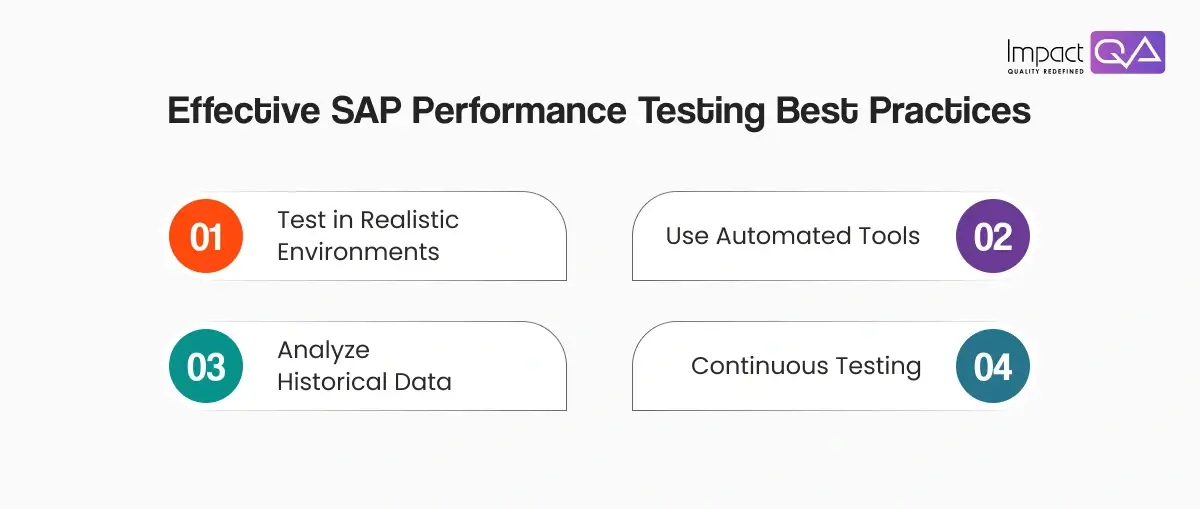
- Test in Realistic Environments: Performance tests should simulate real-world scenarios, including peak loads, to get an accurate picture of how the system performs under pressure.
- Use Automated Tools: Automated testing tools can significantly speed up the process while enabling more frequent testing without the need for extensive manual efforts.
- Analyze Historical Data: Reviewing past performance data can help identify recurring issues, allowing teams to proactively address them before they cause problems in the future.
- Continuous Testing: As SAP environments are regularly updated, organizations should incorporate performance testing into their continuous testing pipeline, ensuring ongoing system health.
Identifying SAP Performance Bottlenecks for Optimal Efficiency
Detecting and addressing SAP performance bottlenecks early is critical for maintaining system efficiency and ensuring smooth operations. Bottlenecks can occur for several reasons, such as high transaction volumes, poorly optimized queries, or insufficient system resources. Identifying these issues requires a combination of performance metrics and diagnostic tools.
Types of Bottlenecks:
- Hardware Bottlenecks: Occur when physical resources such as CPU, memory, or storage are insufficient to meet system demands. These bottlenecks often manifest as slow transaction times or system crashes.
- Database Bottlenecks: Poorly optimized database queries can significantly hinder system performance. These bottlenecks are common when databases aren’t optimized to handle complex or high-volume queries.
- Network Bottlenecks: Latency issues caused by network traffic or bandwidth limitations can delay data transmission, leading to slow user interfaces and delayed transactions.
Identifying and Resolving Bottlenecks:
- System Monitoring: Use monitoring tools to track key performance metrics, such as CPU utilization, memory usage, and transaction speeds. Continuous monitoring allows for real-time identification of system slowdowns.
- Database Optimization: Ensure database queries are optimized for speed and efficiency. Regularly audit database structures to identify and resolve performance issues, such as missing indexes or inefficient joins.
- Load Testing: Simulate peak load conditions to assess how well the system performs under high transactional volumes. This helps identify whether current hardware resources are sufficient to support business growth.
- Network Analysis: Regularly assess network latency and bandwidth usage to ensure data transmission remains efficient, especially in distributed SAP environments.
SAP Performance Testing for Cloud-Based Solutions
With many organizations transitioning to cloud-based SAP systems, performance testing becomes even more critical. Cloud environments introduce new variables, such as network latency and bandwidth, which can affect SAP’s performance. Testing in cloud environments should include:
- Network Latency Testing: Evaluates how well the SAP system performs under varying network speeds and reliability. This helps identify potential slowdowns that may impact users across different locations.
- Scalability Testing: Ensures the system can handle increasing workloads as business operations expand. It measures the SAP system’s ability to efficiently adapt to higher demands during peak periods.
- Disaster Recovery Testing: Verifies that the SAP system can recover from failures quickly, with minimal downtime and no data loss. This is crucial for maintaining business continuity in case of unexpected disruptions.
Performance Testing for SAP S/4HANA Upgrades
When upgrading to SAP S/4HANA, performance testing becomes a critical step to ensure the transition doesn’t disrupt business operations. While SAP S/4HANA brings a host of advanced features and improved processing capabilities, these upgrades can also introduce new complexities that strain the system. Testing during this phase helps identify potential performance issues early on. This also allows organizations to avoid problems post-implementation.
Performance testing ensures that the upgraded system can handle the expected increase in transaction volumes as well as the new, more efficient data processing methods. Since many organizations also integrate SAP S/4HANA with other applications, testing helps verify smooth integration and compatibility. This ensures the system operates as intended without any interruptions.
Key performance testing areas for SAP S/4HANA upgrades include:
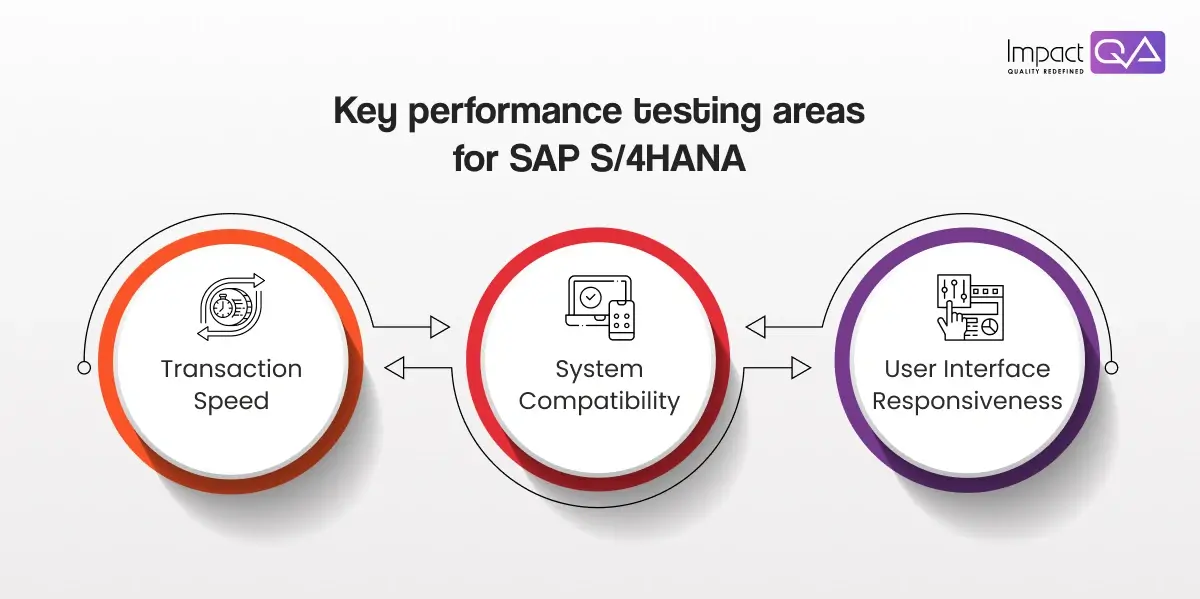
- Transaction Speed: Testing should measure how quickly the upgraded system processes transactions under different workloads.
- System Compatibility: Performance testing ensures that the upgraded system works seamlessly with existing hardware, software, and third-party applications.
- User Interface Responsiveness: GUI response times should be tested to ensure that the upgraded system provides a smooth user experience without delays or glitches.
Why Choose ImpactQA?
In a world where business success depends on operational efficiency, regular SAP performance testing is non-negotiable. From preventing system slowdowns to enhancing user productivity, the benefits are clear. By identifying and resolving performance issues early, organizations can protect themselves from costly disruptions and maintain a competitive edge.
ImpactQA plays a crucial role in helping organizations maintain their SAP systems through expert SAP performance testing. As a leading provider of software testing and quality assurance services, ImpactQA ensures that your SAP environment operates at peak performance, whether cloud-based or on-premises. ImpactQA conducts comprehensive performance testing, focusing on real-world conditions, system scalability, and user experience to identify and resolve issues before they affect business operations.
Through a combination of advanced performance testing tools and methodologies, ImpactQA ensures that organizations can meet their performance goals, minimize downtime, and maximize user satisfaction. Whether it’s optimizing GUI response times or ensuring cloud scalability, ImpactQA provides the expertise business needs to maintain high-performing SAP environments.
FAQs
Share this post


Related Posts
Our Case Studies