Quick Summary:
SAP systems can go live successfully and still deliver slower transactions, longer SAP response time, and rising support incidents as real workloads increase. The right performance strategy can reverse this decline. This article examines the causes of post-go-live slowdowns, diagnostic methods, continuous performance engineering practices, recurring failure patterns, and how organizations can sustain reliable SAP performance through proactive monitoring and structured optimization.
Table Of Contents:
- Introduction
- Why SAP Performance Often Declines After Go-Live
- Diagnosing The Real Source of SAP Slowdown
- From Reactive Support to Continuous Performance Engineering
- Common Post-Go-Live Failure Patterns and the Right Response
- Closing Thoughts
Go-live is not the end of SAP performance management. It is the point at which real transaction volumes, concurrent users, integrations, batch jobs, custom code, and business peaks begin interacting at production scale. That is why a system that performed well during testing can develop a longer SAP response time after deployment. Gartner reported in 2026 that around one quarter of the workforce is at least 20% less productive than average, reinforcing the cost of operational friction. In SAP environments, repeated delays can quickly become a productivity problem rather than a simple technical inconvenience.
The post-go-live slump usually has multiple causes. A database query may consume excessive resources, middleware may introduce latency, infrastructure capacity may be poorly aligned with demand, or an application bottleneck may appear only under real workload conditions. Therefore, fixing performance requires more than isolated tuning. It demands SAP performance optimization, SAP observability, proactive monitoring, and continuous performance engineering across the full technology stack.
Strengthen post-go-live support with performance testing and quality engineering.
Why SAP Performance Often Declines After Go-Live
The first months after deployment expose conditions that pre-production testing cannot always reproduce. During implementation, teams generally validate defined business processes and expected workloads. Production, however, introduces unpredictable concurrency, wider data volumes, background processing, regional usage patterns, and integrations that may run simultaneously. As a result, the SAP system slowdown may appear gradually rather than a single visible failure.
1. Data Volume Changes System Behavior
A newly deployed system may initially perform well because its transactional history is limited. Over time, however, growing tables, expanded master data, increasing document volumes, and complex reporting requirements can change query execution behavior. Poorly optimized queries may begin consuming more CPU and memory. Additionally, inefficient data access patterns can create database contention during peak periods.
2. Customizations Create Hidden Execution Costs
Custom ABAP code, extensions, user exits, workflows, and bespoke integrations can introduce delays that standard SAP transactions do not exhibit. A program may perform adequately with a small test dataset but degrade when production data increases. Therefore, performance engineering must examine how custom logic behaves under realistic workloads rather than treating customization as a separate concern.
3. Integration Chains Add Invisible Latency
Modern SAP environments rarely operate in isolation. They exchange data with CRM platforms, banking systems, warehouse applications, portals, third-party services, and analytics platforms. A slow external endpoint can therefore make an SAP transaction appear slow even when the core application is healthy. This is why SAP observability must trace the complete transaction path instead of monitoring only the SAP application layer.
4. Business Growth Changes the Capacity Equation
A system sized for one region, one business unit, or a limited user base may struggle after expansion. New locations, acquisitions, seasonal demand, and additional interfaces increase concurrent workloads. Without regular capacity planning, organizations may discover resource constraints only after users begin reporting delays.
The result is often a misleading diagnosis. Teams may blame SAP infrastructure when the root cause sits in custom code. In other cases, they may tune the database while an integration queue remains the real constraint. A reliable diagnosis must therefore connect user experience with application, database, and performance metrics.
Diagnosing The Real Source of SAP Slowdown
Effective SAP performance optimization begins with evidence. User complaints such as “the system is slow” are valuable signals, but they do not identify the source of the delay. A transaction may take longer because of database execution, network latency, locked resources, inefficient code, overloaded application servers, or an external service. Consequently, diagnosis must move from perception to measurable transaction behavior.
1. Start With SAP Response Time
SAP response time should be analyzed by transaction, user group, location, time period, and workload type. A rising average can hide severe delays for a smaller but business-critical group. Therefore, teams should examine percentile performance, peak-hour behavior, and transaction-level patterns. This reveals whether the problem is broad or limited to specific processes.
2. Separate Application and Database Delays
A transaction that spends most of its time waiting for database operations requires a different solution from one delayed by application logic. SQL execution analysis, expensive statements, table access patterns, locks, and memory consumption can expose database-related causes. Meanwhile, code profiling can identify loops, unnecessary data retrieval, and inefficient processing logic.
3. Trace The Complete Transaction Path
A modern SAP transaction can cross multiple systems before a user receives a result. Middleware, APIs, queues, identity services, and external platforms may all contribute to delay. SAP observability becomes valuable here because logs, metrics, traces, and events can be correlated across dependencies. This provides a clearer view of where time is actually spent.
4. Use Proactive Monitoring Instead of Waiting for Complaints
Reactive troubleshooting begins after productivity has already been affected. Proactive monitoring changes the operating model by tracking response thresholds, resource saturation, queue depth, failed jobs, integration latency, and unusual workload behavior before users report a problem. Moreover, alerting must be tied to business impact rather than a long list of disconnected technical warnings.
5. Measure Mean Time to Resolution (MTTR)
A performance incident is not fully understood until teams know how quickly it was detected, diagnosed, assigned, fixed, and verified. Tracking mean time to resolution (MTTR) helps identify weaknesses in incident workflows. If the same issue repeatedly consumes hours because teams lack transaction traces or ownership clarity, the solution is not simply more infrastructure.
From Reactive Support to Continuous Performance Engineering
Post-go-live support should not become a cycle of incident tickets, emergency tuning, or temporary fixes. A stronger model treats performance as an ongoing engineering discipline. This is especially important as SAP environments become more connected, and workloads become less predictable.
1. Build Performance Baselines
Define expected performance for critical transactions, batch jobs, interfaces, database operations, and infrastructure resources. Include normal variations across business cycles. Without a baseline, teams may notice a slowdown without knowing when it began or what caused it.
2. Connect Observability to Business Processes
Technical metrics become more useful when linked to business activity. A delayed order process may affect fulfilment, while slow invoice processing can disrupt financial operations. SAP observability should connect system signals with business transactions, so teams can prioritize issues by operational impact.
3. Make Capacity Planning Workload-Driven
Capacity planning should consider user growth, transaction volumes, batch schedules, data expansion, integration growth, and seasonal peaks. The average workload alone is not enough. Teams must also examine how multiple workloads interact during the same period.
4. Continue Performance Testing
Performance validation should not stop after the initial deployment. New releases, configuration changes, integrations, custom developments, and data growth can alter system behavior. Repeated testing of critical workflows helps identify performance risks before they reach production.
5. Reduce Mean Time to Resolution
A lower mean time to resolution (MTTR) depends on clear ownership, reliable telemetry, incident history, dependency maps, and repeatable diagnostic procedures. Documenting recurring performance issues also prevents teams from restarting the same investigation.
6. Optimize Workloads Before Adding Infrastructure
Adding infrastructure may provide temporary relief, but it does not fix inefficient workloads. Teams should first examine expensive reports, poorly scheduled jobs, redundant integrations, inefficient queries, and unnecessary data processing.
Common Post-Go-Live Failure Patterns and the Right Response
The most useful performance lessons often come from recurring patterns. Each pattern requires a different response, which is why broad recommendations such as “increase server capacity” rarely solve the complete problem.
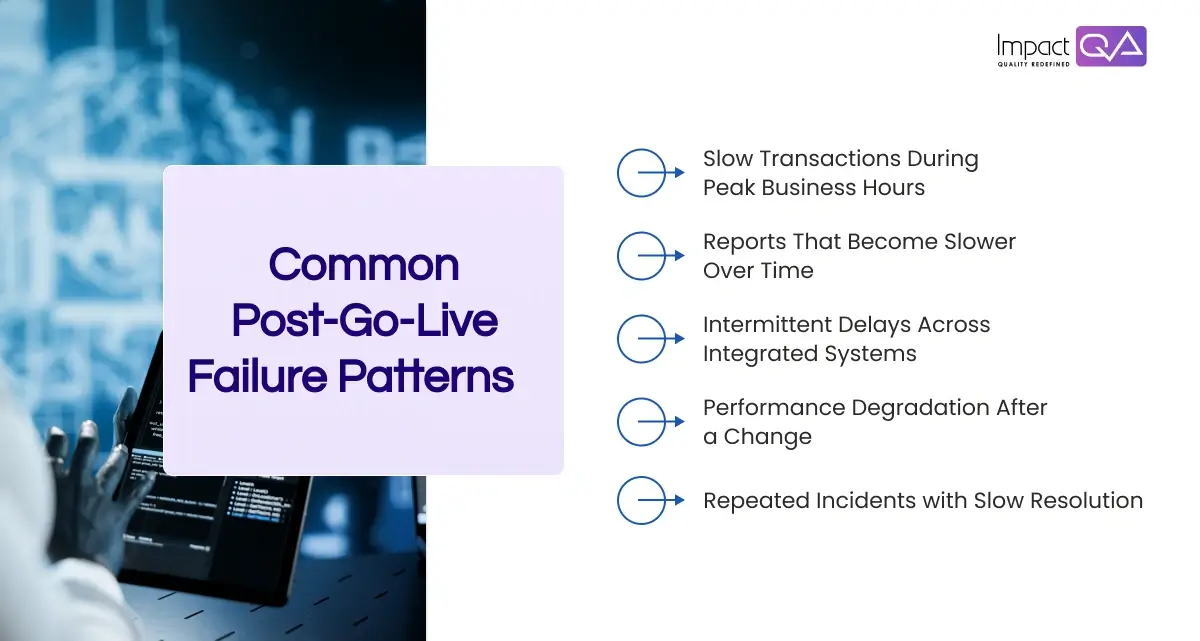
1. Slow Transactions During Peak Business Hours
The issue may involve concurrency, database contention, application server saturation, or insufficient capacity planning. Teams should compare peak workload behavior with baseline performance before changing infrastructure.
2. Reports That Become Slower Over Time
Growing data volumes and inefficient queries are common contributors. Query analysis, data management, indexing strategy, and reporting design should be examined together rather than treating the database as the only source of delay.
3. Intermittent Delays Across Integrated Systems
These often indicate dependency or network issues. End-to-end tracing can show whether the delay originates in SAP, middleware, an external API, or a queue that has accumulated work.
4. Performance Degradation After a Change
A transport, configuration update, custom development, or integration modification may alter execution behavior. Baseline comparison and targeted performance testing can help isolate the change before the issue spreads across business processes.
5. Repeated Incidents with Slow Resolution
This is usually an operational visibility problem. If teams lack the data required to identify the source quickly, proactive monitoring and better SAP observability can reduce investigation time and improve mean time to resolution (MTTR).
Reduce performance risks and improve response times with ImpactQA.
Closing Thoughts
The post-go-live slump is rarely caused by a single defective component. It usually emerges from the interaction between rising data volumes, custom code, integrations, workload growth, infrastructure limits, and operational gaps. Therefore, SAP performance optimization must extend beyond emergency tuning. It requires continuous performance engineering supported by SAP observability, proactive monitoring, disciplined capacity planning, and workload analysis.
At ImpactQA, we approach SAP performance as part of the wider quality lifecycle. Our SAP testing services help organizations assess business-critical workflows, integrations, performance behavior, and system changes before they create costly production issues. We combine structured validation with performance-focused testing and engineering practices to help enterprises strengthen post-go-live support and maintain reliable SAP environments as workloads grow. In this way, performance becomes an ongoing measure of system quality rather than a problem addressed only after users begin reporting that SAP feels slow.
Share this post


Related Posts
Our Case Studies