How to Enhance Your SAP Security with Best Practices and Tools

In an era where cyber threats are increasingly sophisticated, safeguarding SAP systems has never been more critical. According to IBM’s 2023 Data Breach Report, the global average cost of a data breach was $4.45 million, a 15% increase over three years.
As businesses rely heavily on SAP for their core operations, the impact of such breaches can be devastating, resulting in significant financial losses and reputational damage. Implementing robust SAP Security Best Practices and Tools is essential to mitigate these risks, ensuring that your SAP environment remains secure and resilient against potential threats.
What Is SAP Security?
SAP security is a fundamental aspect of an enterprise’s cybersecurity strategy. It involves protecting SAP business systems that organizations depend on for their core business processes and operations. Common threats to SAP technologies include exploitation, fraud, risks to data integrity, unauthorized network access, and data leaks. Continuous, automated auditing and security monitoring of SAP systems can mitigate these risks. However, these activities necessitate active engagement from security teams.

Many organizations treat SAP as a separate entity, relying solely on ERP vendor tools and excluding SAP environments from the broader security scope. This siloed approach increases vulnerability to attacks. It is crucial to integrate SAP systems into the organizational network and maintain centralized monitoring for all critical systems, including SAP.
SAP Security Challenges
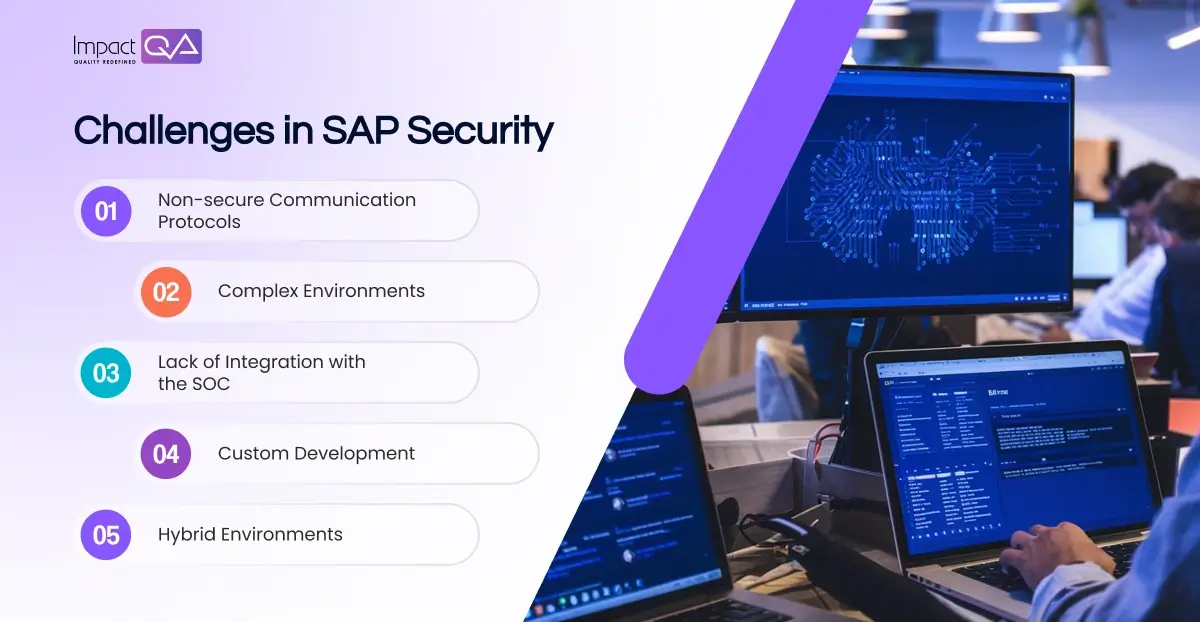
Non-secure Communication Protocols
SAP environments encompass numerous components such as S/4HANA, SAP ERP, SAP Gateway, and Internet Communication Manager (ICM), which use communication protocols like Remote Function Call (RFC) and HTTP. Many of these systems use stored login credentials that lack encryption and basic security controls, posing significant risks.
Complex Environments
SAP environments are inherently complex, with multiple components and unique login credentials. Users often reuse passwords and compromising one can grant access to several sensitive systems. Even with single sign-on (SSO) enabled, password logins are still permitted, exacerbating security challenges.
Lack of Integration with the SOC
Even with a Security Operations Center (SOC) in place, SAP applications often remain unintegrated and managed by a dedicated SAP team. Security Information and Event Management (SIEM) systems may not monitor SAP logs due to their proprietary formats, creating a security gap.
Custom Development
Custom code development, reporting, and transactions are common in SAP systems. Programmers may not follow secure coding practices, and their code might not be tested for vulnerabilities, exposing critical applications to ransomware, malware, and unauthorized access.
Hybrid Environments
The introduction of new technologies expands the attack surface of SAP systems. Managing hybrid environments with both on-premises and cloud solutions further complicates security efforts.
Critical SAP Security Best Practices
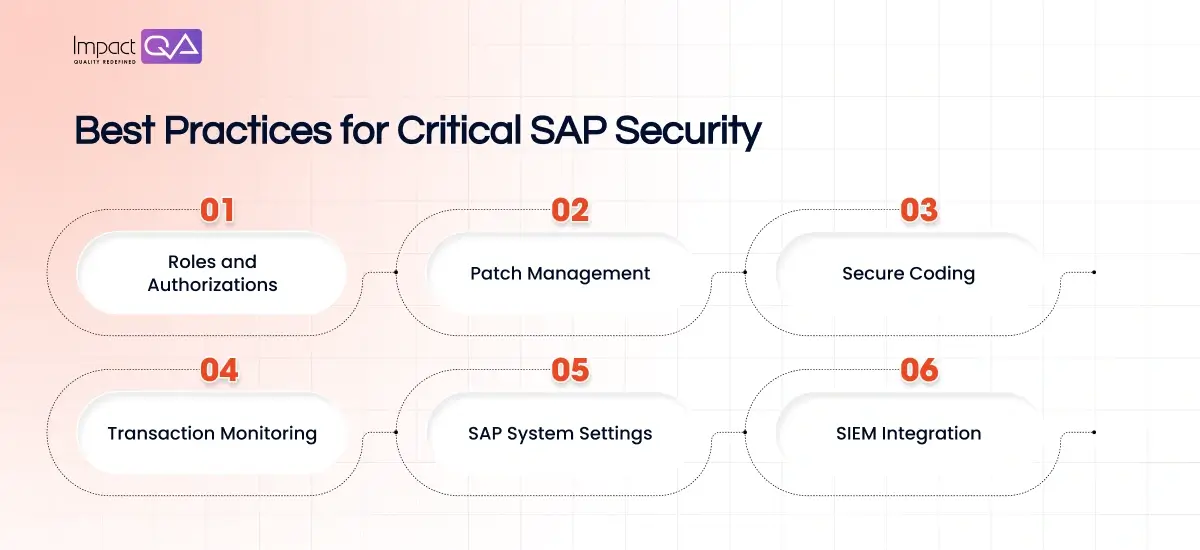
1. Roles and Authorizations
Authentication and authorization are fundamental in SAP systems, with an emphasis on separation of duties (SoD). Avoid assigning permissions that allow any one individual to cause significant damage. “Firefighter accounts” with broad permissions should be granted temporarily for urgent maintenance and then revoked. Continuous, automated reviews of SAP authorizations are necessary, and achievable through advanced SAP tools.
2. Patch Management
Regularly applying security updates is crucial to address known and zero-day vulnerabilities. However, keeping track of necessary patches and applying them consistently is challenging. Many SAP systems remain unpatched for extended periods, increasing vulnerability risks.
3. Secure Coding
Developers are responsible for secure coding and maintaining a secure software development lifecycle. Using code scanning tools provides developers with quick feedback on potential vulnerabilities and remediation steps. Educating developers on best practices for SAP security is also essential.
4. Transaction Monitoring
SAP’s transactional and functional modules can be accessed remotely, enabling users to create accounts and grant permissions. Continuous real-time monitoring of transactions, RFC modules, and SAP reports is vital to control and restrict transaction usage. Monitoring external access to the SAP system through its interfaces is also crucial.
5. SAP System Settings
Secure configuration is foundational to SAP security. Configuration options are extensive and applied at the database level through SAP Profile Parameters. Compliance with configuration rules outlined in the SAP Basis Operating Manual is necessary. Correctly configuring security settings for the operating system, application, and database layers is essential.
6. SIEM Integration
Integrating SAP security monitoring with a centralized SIEM enhances security beyond standard compliance. This integration delivers comprehensive visibility and safeguards across SAP and non-SAP environments. Standard SIEM solutions may require specialized plugins or SAP’s own SIEM solution, SAP Enterprise Threat Detection, for effective integration.
SAP Security Solutions
SAP offers numerous business applications with various architectures, including NetWeaver AS ABAP, SAP HANA, SAP Cloud Platform, and SAP Ariba. The first layer of defense is the system backend, enabling administrators to enforce security, define roles, and set access requirements. Security features differ based on the application’s deployment model (cloud or on-premises).
SAP Cloud Identity Access Governance
SAP Cloud Identity Access Governance is a cloud solution that streamlines governance processes across SAP solutions. Key features include continuous access analysis, user assignment optimization, and pre-configured audit reports.
- Access Compliance Management: Continuous analytics and real-time insights for managing access compliance.
- Intelligent Assignment Optimization: Precise user access assignments and guided remediation.
- Extended Risk Management and Control: Monitoring and remediation processes for SoD and security across on-premises and cloud systems.
SAP Enterprise Threat Detection
SAP Enterprise Threat Detection (ETD) is a SIEM solution utilizing SAP HANA to handle high-volume security events in real-time. It detects anomalies, neutralizes attacks, and prevents damage during data breaches.
- Log Correlation and Analysis: Analyzing vast log data and correlating information across the SAP environment.
- Automated Threat Detection and Alerting: Using predefined patterns for attack detection and issuing alerts to security teams.
- Integration with SAP Solutions: Threat detection at the application server and database levels.
SAP Data Custodian
SAP Data Custodian enhances security information for public cloud users, increasing transparency and credibility.
- Policy Creation and Enforcement: Governing data lifecycles, access, processing, storage, and movement with geolocation policies.
- Data Visibility, Alerting, and Reports: Monitoring data access and movements and receiving near-real-time compliance reports.
- Independent Encryption Key Management: Maintaining control over encryption data and keys, reducing data breach risks.
SAP Governance, Risk, and Compliance (GRC)
SAP GRC solutions help manage resources across the enterprise to minimize risk and reduce compliance costs. Products like SAP Risk Management, SAP Process Control, and SAP Audit Management automate GRC activities and improve control and visibility.
SAP Identity Management
SAP Identity Management covers an individual’s entire identity lifecycle, allowing administrators to manage access information, configure roles, and meet compliance requirements. It also offers self-service capabilities for password management and integration with SAP Cloud Identity Services for hybrid deployments.
SAP Information Lifecycle Management
SAP Information Lifecycle Management (SAP ILM) can block and delete sensitive data, crucial for complying with data privacy regulations like GDPR and CCPA.
- Data Management and Archiving: Managing data volumes and ensuring easy access to archived data.
- Retention Management: Supporting the full lifecycle of data and managing data policies.
- System Shutdown: Decommission legacy systems and ensure on-demand access to data.
Conclusion
Implementing SAP security best practices and tools is essential for protecting your SAP environment from the growing threats of cyberattacks. By focusing on roles and authorizations, patch management, secure coding, transaction monitoring, system settings, and SIEM integration, organizations can strengthen their SAP security posture.
Leveraging SAP security solutions like SAP Cloud Identity Access Governance, SAP Enterprise Threat Detection, and SAP Data Custodian further enhances protection and compliance. Adopting these strategies ensures a resilient defense against potential threats and maintains the integrity and security of your critical business systems.
By partnering with ImpactQA, you can leverage expert guidance and cutting-edge solutions to ensure your SAP systems are thoroughly protected. Our comprehensive testing and quality assurance services are designed to address your unique security needs, providing you confidence in your SAP security posture.
FAQs
Share this post


Related Posts
Our Case Studies