Optimizing SAP Commerce Cloud Performance: Strategies for Effective Load Testing

Quick Summary:
Slow performance kills conversions. This blog explores how to improve the performance of SAP Commerce Cloud through structured, practical, and scalable load-testing strategies. It covers key concepts such as defining performance benchmarks, creating user-centric test cases, selecting tools, and analyzing test results. The article also highlights the importance of continuous testing and monitoring, offering practical insights for businesses aiming to enhance their e-commerce platforms’ efficiency and user experience.
Table of Contents:
- Introduction
- Understanding SAP Commerce Cloud
- Defining Performance Targets
- Selecting Load Testing Tools
- Designing Effective Load Tests
- Executing Load Tests
- Analyzing Test Results
- Optimizing Performance
- Continuous Testing and Monitoring
- Build Resilience with Expert Performance Optimization
- Final Thought
In the competitive world of e-commerce, the performance of your online store can significantly impact customer satisfaction and business success. Slow loading times, unresponsive pages, and system downtimes can lead to lost sales and diminished brand reputation. Therefore, understanding and optimizing SAP Commerce Cloud performance is crucial.
But how can businesses ensure their SAP Commerce Cloud platforms deliver optimal performance under varying loads? The answer lies in effective load-testing strategies.
Reach out to ImpactQA for targeted performance testing tailored to mobile and omnichannel experiences.
What is SAP Commerce Cloud?
SAP Commerce Cloud is a robust e-commerce solution that equips businesses with the capabilities to build customized, scalable, and streamlined online shopping experiences. It integrates various functionalities such as product content management, order management, and customer experience management, all within a cloud-based environment.
Why Performance Optimization Matters
Optimizing performance ensures your platform can handle high traffic volumes without compromising speed or user experience. It involves identifying and addressing potential bottlenecks to ensure that the system operates efficiently even during peak times.
Understanding SAP Commerce Cloud
SAP Commerce Cloud is built to support complex e-commerce operations with flexibility and scale. It offers out-of-the-box capabilities that reduce development time while enabling customizations for unique business needs.
Core Features and Capabilities
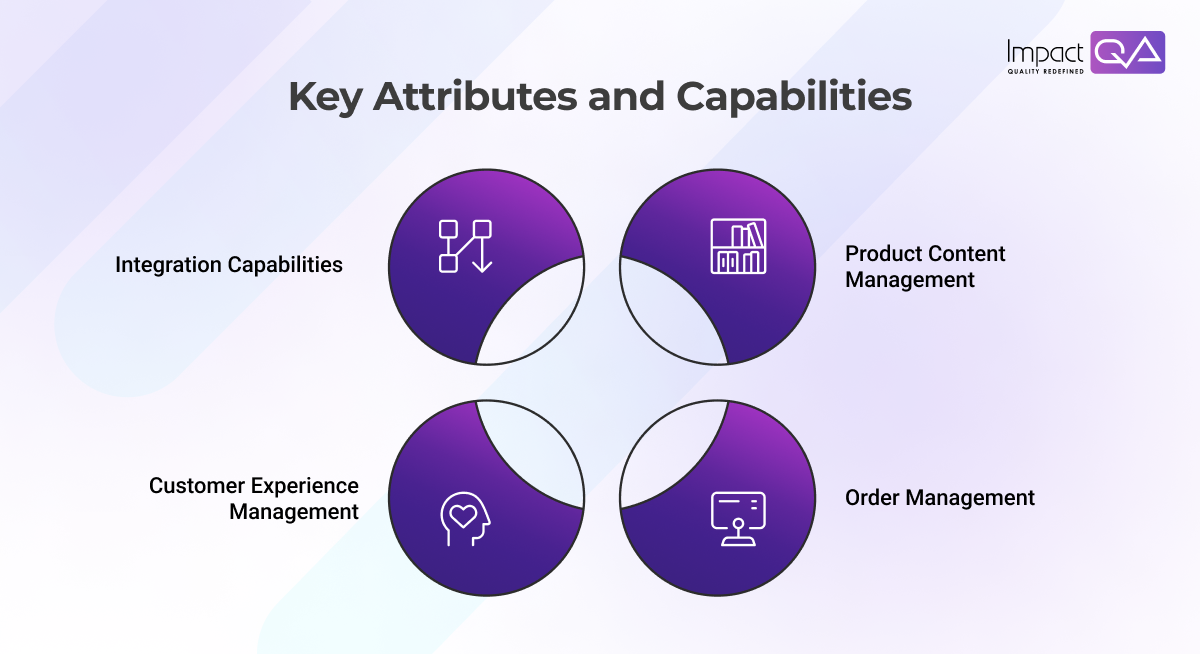
SAP Commerce Cloud offers a range of features that cater to the diverse needs of e-commerce businesses:
- Product Content Management (PCM): Centralizes product information, making it easier to manage and update product catalogs.
- Order Management: Streamlines order processing, from order creation to fulfillment.
- Customer Experience Management (CXM): Provides tools to personalize customer interactions and enhance user engagement.
- Integration Capabilities: Seamlessly integrates with various SAP and third-party applications to ensure a cohesive ecosystem.
Benefits for E-commerce Businesses
By leveraging SAP Commerce Cloud, businesses can:
- Deliver consistent and personalized shopping experiences across multiple channels.
- Scale operations efficiently to meet growing customer demands.
- Understand customer behavior and preferences to support informed, data-driven decisions.
Defining Performance Targets
Before testing begins, it’s important to define what success looks like. Performance targets help ensure that your SAP Commerce Cloud platform meets both user expectations and business objectives under real-world load conditions. This starts with identifying the right metrics to measure.
Key Performance Indicators (KPIs)
To effectively measure and optimize performance, businesses should focus on the following KPIs:
- Response Time: The time taken for the system to process and reply to a user’s request.
- Throughput: The number of transactions the system can handle within a given timeframe.
- Concurrency: The number of users the system can support simultaneously without degradation in performance.
Setting Realistic Benchmarks
Establishing performance benchmarks is not just about picking arbitrary numbers. It requires a structured approach rooted in data, user expectations, and business goals. These benchmarks define what “acceptable performance” looks like under different load conditions. Without them, your load testing lacks direction.
To set meaningful and realistic benchmarks for SAP Commerce Cloud, consider the following aspects:
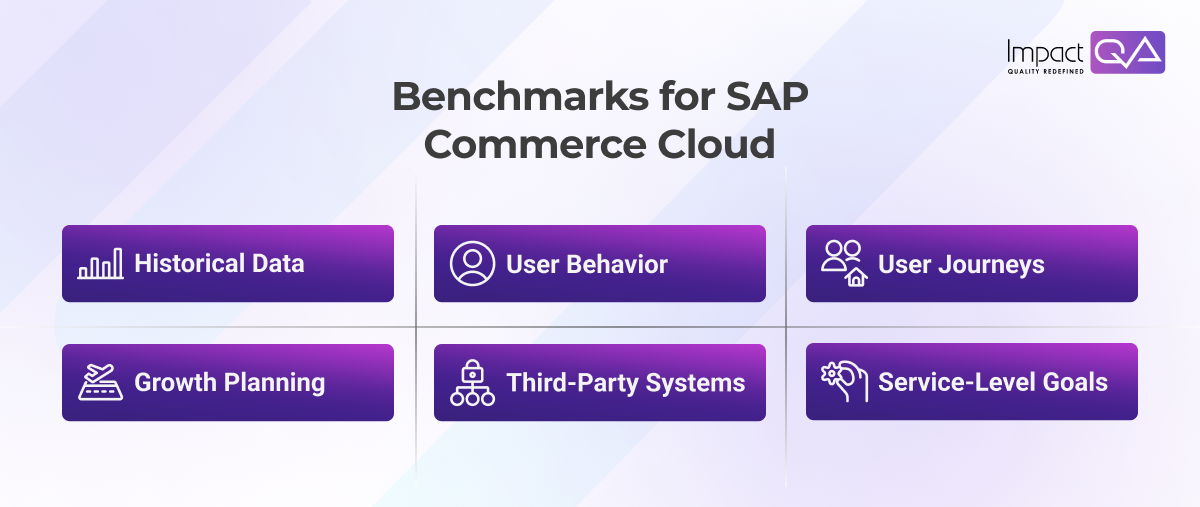
- Historical Data: Analyze peak traffic events and system logs to define baseline performance.
- User Behavior: Use analytics to understand how users browse, search, and complete purchases.
- User Journeys: Benchmark core actions like product search (<2 sec), checkout (<4 sec), and cart updates (<1 sec).
- Growth Planning: Account for expected increases in traffic, catalog size, and geographic reach.
- Third-Party Systems: Include realistic response times for integrated services like payment or inventory APIs.
- Service-Level Goals: Define clear metrics for latency, error rates, and system resource usage.
Selecting Load Testing Tools
Choosing the right load testing tool is crucial for accurate simulation and meaningful results. Each tool offers different strengths – some focus on test automation, others on deep diagnostics or scalability. The right fit depends on your technical stack, test goals, and team expertise.

Several tools are available to assist in load testing SAP Commerce Cloud platforms:
- Apache JMeter: An open-source tool designed for load testing and performance measurement.
- BlazeMeter: A cloud-based platform that extends JMeter’s capabilities, offering enhanced features and scalability.
- Dynatrace: A monitoring tool that provides real-time insights into application performance.
Criteria for Tool Selection
When selecting a load testing tool, consider the following factors:
- Compatibility: Ensure the tool integrates seamlessly with SAP Commerce Cloud.
- Scalability: The tool should be able to simulate varying load conditions.
- Ease of Use: A user-friendly interface facilitates efficient test design and execution.
Designing Effective Load Tests
Effective load testing begins with understanding how real users interact with your platform. Mapping these behaviors into structured journeys helps create meaningful test cases that reflect actual usage patterns. This ensures performance issues are caught before they impact end users.
Identifying User Journeys
Understanding typical user behaviors is crucial for designing effective load tests. Common user journeys include:
Browsing Products: Users navigate through product categories and details.
Adding to Cart: Users select products and add them to their shopping cart.
Checkout Process: Users proceed to checkout, providing the necessary information to complete the purchase.
Creating Test Scenarios
Based on identified user journeys, create test scenarios that simulate real-world usage patterns. This includes defining:
- User Profiles: Different types of users with varying behaviors.
- Load Patterns: Anticipated traffic volumes and peak usage times.
- Success Criteria: Benchmarks that determine test success.
Executing Load Tests
Once test scenarios are defined, the next step is execution. However, conducting load tests without proper preparation can result in inaccurate or misleading outcomes. A well-prepared environment and active monitoring are essential to capture accurate performance insights and system behavior under pressure.
Preparing the Testing Environment
Before executing load tests, ensure that the testing environment mirrors the production environment as closely as possible. This includes:
- Data Setup: Load the system with data that accurately reflects real-world usage patterns.
- Configuration: Align system configurations with production settings to ensure accurate results.
Running and Monitoring Tests
Execute load tests while continuously monitoring system performance. This involves:
- Simulating Load: Gradually increases the number of virtual users to assess system behavior under varying conditions.
- Real-Time Monitoring: Utilize monitoring tools to track performance metrics during test execution.
Analyzing Test Results
Running tests is only half the job – what matters most is what the data reveals. Careful analysis helps you understand how your system performs under load, where it struggles, and what needs fixing. This step transforms raw data into meaningful insights that drive actionable improvements.
Interpreting Data
Once load testing is complete, analyze the gathered data to identify performance patterns and trends. Key aspects to examine include:
- Response Times: Assess whether response times meet established benchmarks.
- Throughput: Determine if the system can handle the anticipated transaction volumes.
- Error Rates: Identify any errors or failures that occurred during testing.
Identifying Performance Bottlenecks
Through data analysis, pinpoint areas where performance may be lacking. Common bottlenecks include:
- Database Queries: Inefficient queries that slow down data retrieval.
- Network Latency: Delays in data transmission affecting response times.
- Server Resources: Limited server capacity can lead to performance degradation.
Optimizing Performance
Optimizing performance is an ongoing process, requiring both code-level improvements and infrastructure enhancements. By addressing key bottlenecks and fine-tuning both the software and hardware, you can ensure your SAP Commerce Cloud platform performs seamlessly under all conditions.
Code Optimization Techniques
Optimize system performance by improving the efficiency of the underlying codebase. This reduces processing times, enhances user experience, and ensures the platform scales effectively.
- Refactoring Code: Improve code efficiency to reduce processing times.
- Implementing Caching: Store frequently accessed data to minimize redundant processing.
- Optimizing Algorithms: Utilize efficient algorithms to speed up data processing.
Infrastructure Enhancements
Upgrading infrastructure ensures the system can handle peak traffic and deliver faster response times. By scaling resources and optimizing server configurations, you ensure consistent and smooth performance during high demand.
- Scaling Resources: Increase server capacity to handle higher loads.
- Load Balancing: Distribute incoming requests uniformly across multiple servers to maintain optimal performance and prevent bottlenecks.
- Database Optimization: Implement indexing and query optimization to speed up data access and reduce load times.
Continuous Testing and Monitoring
Performance optimization isn’t a one-off task. Systems evolve, traffic patterns shift, and user behavior changes. That’s why continuous testing and monitoring are essential for maintaining optimal performance in SAP Commerce Cloud.
Implementing Continuous Integration (CI)
Integrate performance tests into your CI/CD pipelines to detect bottlenecks early in the development cycle. This approach ensures that:
- Every code update is automatically evaluated under simulated load conditions.
- Performance regressions are caught early.
- Feedback loops remain short and actionable.
- Popular CI tools like Jenkins, GitLab CI, and Azure DevOps can work well with JMeter or BlazeMeter to automate load testing.
Utilizing Monitoring Tools
Real-time monitoring allows proactive identification of system issues before they impact users. Key tools and approaches include:
- Dynatrace and New Relic for comprehensive, real-time monitoring of both application performance and infrastructure monitoring.
- Grafana and Prometheus to visualize key metrics like CPU usage, memory, and response time.
- SAP Commerce Cloud Backoffice Logs for deep diagnostic data.
Constant monitoring allows the IT team to fine-tune resource allocation, reconfigure cache layers, and keep databases efficient even as the business scales.
Build Resilience with Expert Performance Optimization
Optimizing SAP Commerce Cloud performance requires more than just a testing checklist. It’s about engineering resilience and readiness into your system. You don’t just want to know that your site works – you need confidence that it works for everyone, every time, under any load.
Modern e-commerce businesses can’t afford performance hiccups during peak sales or product launches. With a well-defined load testing strategy, you can simulate thousands of concurrent users, discover system weaknesses, and improve them before they cause downtime.
However, even the most skilled internal teams can benefit from external expertise.
Why ImpactQA Makes a Difference
ImpactQA offers specialized performance testing services specifically designed for SAP Commerce Cloud. Their solutions are tailored to meet your business objectives and system architecture. Here’s what sets us apart:
- End-to-End Performance Engineering: From requirement analysis to post-production monitoring.
- Tool-Agnostic Approach: Whether it’s JMeter, LoadRunner, BlazeMeter, or custom tools – ImpactQA adapts to your stack.
- Domain Knowledge: Our team understands the nuances of SAP Commerce Cloud modules, integrations, and deployment models.
- CI/CD Alignment: We can embed performance tests into your pipelines, ensuring faster releases and fewer bugs in production.
ImpactQA’s services empower organizations to meet aggressive go-to-market deadlines while maintaining platform stability and speed.
Let ImpactQA help you load-test your SAP Commerce Cloud environment to handle seasonal spikes with confidence.
Final Thought
In e-commerce, speed is conversion. And reliability is retention. SAP Commerce Cloud gives you the tools to build amazing digital storefronts, but maintaining performance under load is a discipline that demands rigor and strategy. With structured load testing, proactive monitoring, and expert assistance from partners like ImpactQA, you can confidently deliver seamless customer experiences regardless of demand spikes or business growth.
Share this post


Related Posts
Our Case Studies